


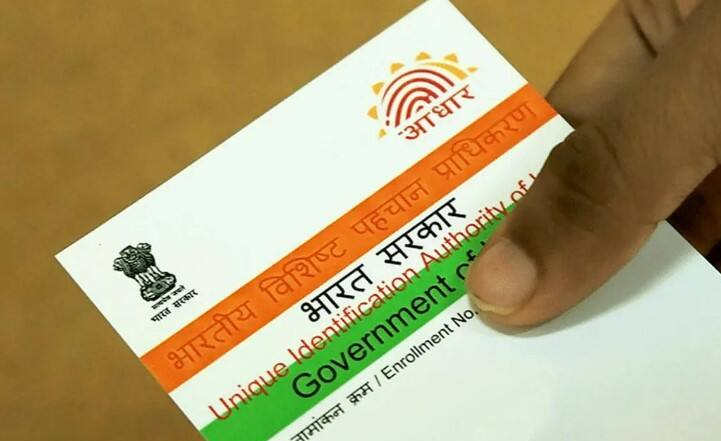
Aadhaar Update: Aadhaar card has now become a very important document. Whether it is to avail the benefits of government schemes, or financial work like opening a bank account and investing. As per the rules of UIDAI, the organization issuing Aadhaar, it is necessary to always keep the details present in your Aadhaar card like name, address, biometric information updated.
If you have legally changed your name due to marriage or any other reason, then it is necessary that you get the name updated in your Aadhaar card as well. Now this work cannot be done online. For this, it is mandatory to visit the nearest Aadhaar service center.
Let us know what is the complete process of updating the name on the Aadhaar card. Also, how can you download the updated Aadhaar.
Aadhaar card name change form
The form for updating the name is available on the UIDAI website. You can download it, fill in the required information and submit it at the Aadhaar service center. If you want, you can also go directly to the service center and get the form.
How to change name in aadhar card
For now, the name on Aadhaar cannot be updated online. In such a situation, to update the name, you will have to follow the process given below.
Step 1: Download the Aadhaar Enrolment and Update Form from the official website of UIDAI.
Step 2: Visit the nearest Aadhaar Seva Kendra.
Step 3: Fill the form and submit it to the executive present at the centre.
Step 4: Provide the original proof of identity. The officer will take a copy of the proof and return the original document.
Step 5: Pay the fee of ₹50 for name change.
You will be given an acknowledgement slip. It will contain the Update Request Number (URN). With this, you can track the status of your update on the UIDAI website.
Documents required for name change
More than 15 identity proofs are accepted to update the name in Aadhaar. You can do this work with the help of some common documents.
- Passport
- PAN card
- Voter ID
- Ration Card / PDS Card
- Driving License
- Marriage Certificate (with Photograph)
- Pensioner Card
- Disability Certificate
- Mediclaim card issued by CGHS/ESIC/PSU
How to change name in aadhaar card after marriage
It is common to change the name or surname after marriage. According to UIDAI, you can make this change offline only. For this, fill the form, attach the documents and submit it at the Aadhaar service center along with a fee of ₹ 50.
One thing to keep in mind here is that you cannot change the name without a valid identity proof. Keep at least one original identity card like PAN card, voter ID, driving license, ration card with you.
How to check Aadhaar name update status?
- Visit the UIDAI website.
- Click on ‘Check Aadhaar Update Status’ under ‘My Aadhaar’ tab.
- Select URN, enter URN and captcha and click ‘Submit’.
- Your updated status will be displayed on the screen.
How to download updated Aadhaar?
To download new Aadhaar after name update, mobile number must be linked with Aadhaar. Its process is given below.
- Go to the ‘My Aadhaar’ section on the UIDAI website.
- Select ‘Download Aadhaar’ option under ‘Get Aadhaar’ tab.
- Enter Aadhaar number, enter captcha and click on ‘Send OTP’.
- Enter the OTP, select or skip the ‘Masked Aadhaar’ option and click on ‘Verify & Download’.
- Your updated Aadhaar will be downloaded in PDF format.
It is important to change the name in the Aadhaar card because apart from being a government identity card, it is an important document for your bank, PAN, passport and tax related information. After changing the name, your Aadhaar number remains the same. Only your identity gets updated with the new information.


